
First, download the latest version of the pack from the Downloads page.
The recommended way of playing the pack (and the only method officially supported) is trough Prism Launcher.
Install this first using the instructions provided there.
Once Prism is installed, you will need to add your Minecraft / Microsoft account.
When first opening Prism Launcher, this prompt should show up.
Follow the instructions on screen to add your Microsoft account.
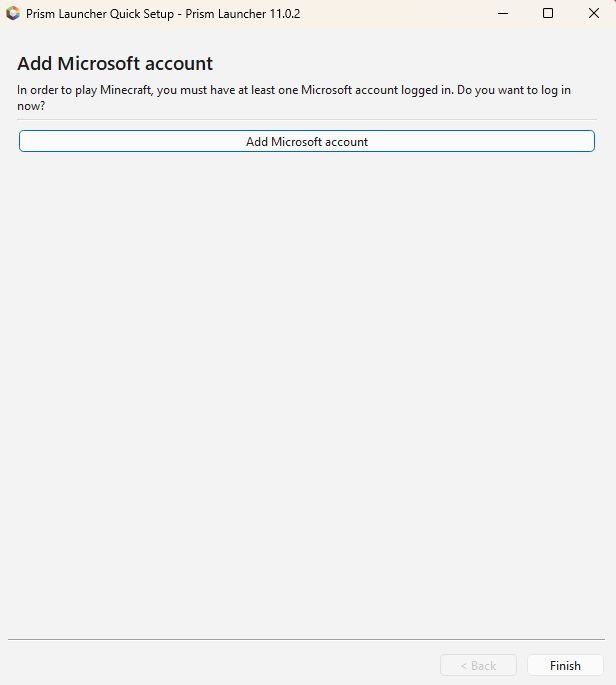
If you skipped past it, simply restart Prism Launcher, and it should show up again.
This will stop once you add an account.
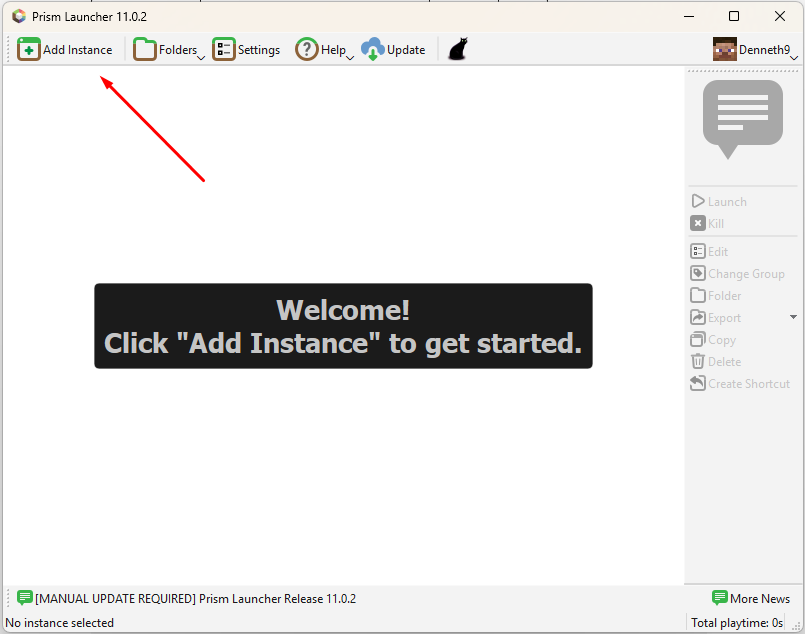
Once you have added your account, click on “Add Instance”
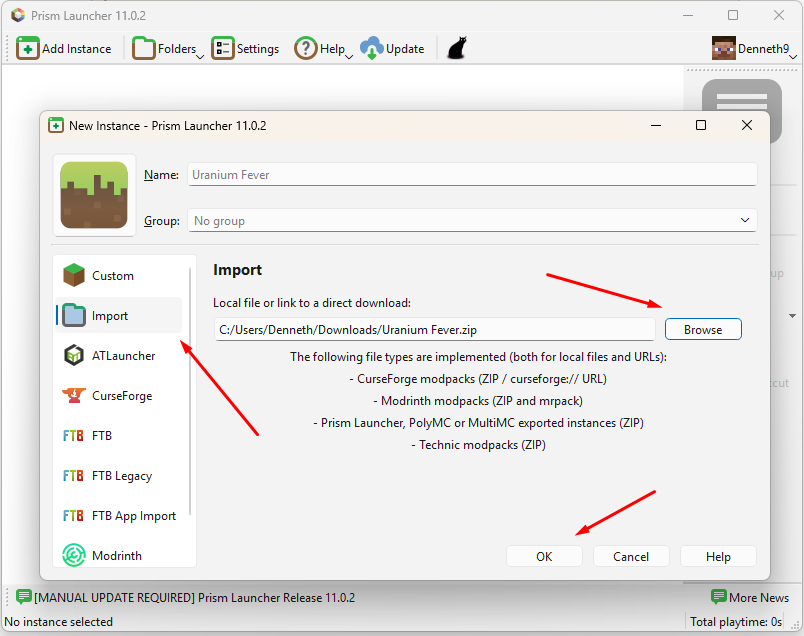
On the window that appears, first press “Import”, then “Browse” to where you have downloaded the pack file, and finally press OK
(You can now delete the .zip file)
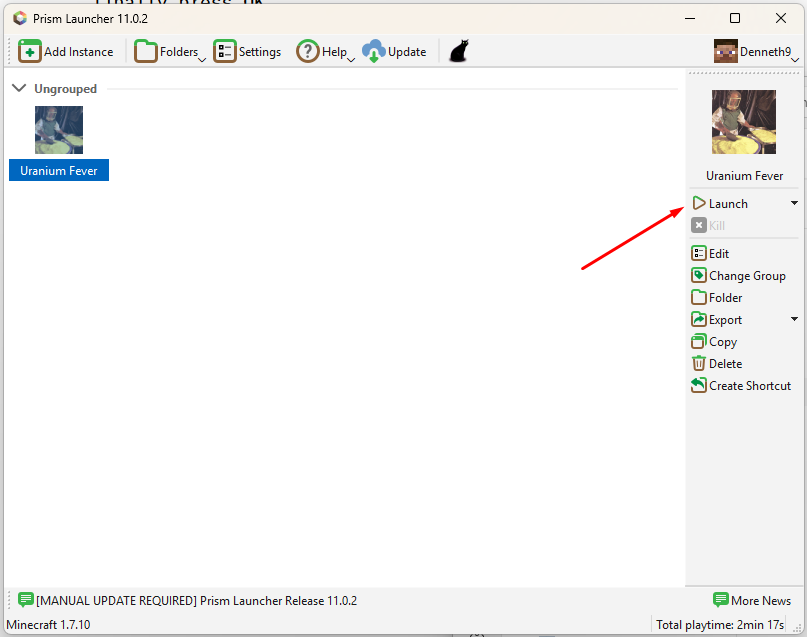
Finally, press “Launch” to start playing!
If you encounter any difficulties, please feel free to contact me, or ask on the Discord for help.